X
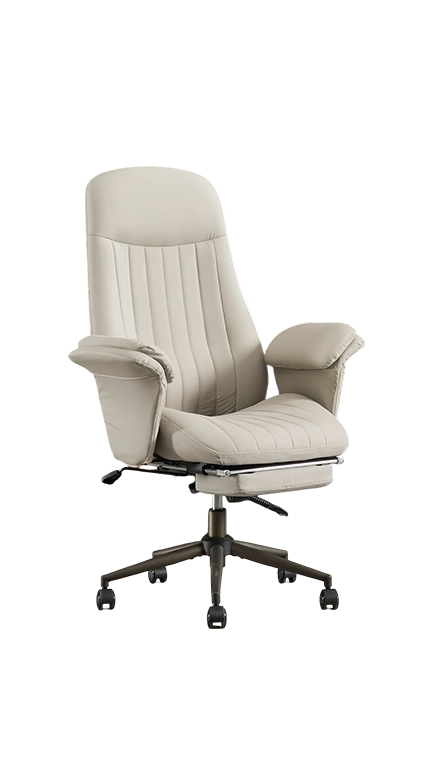
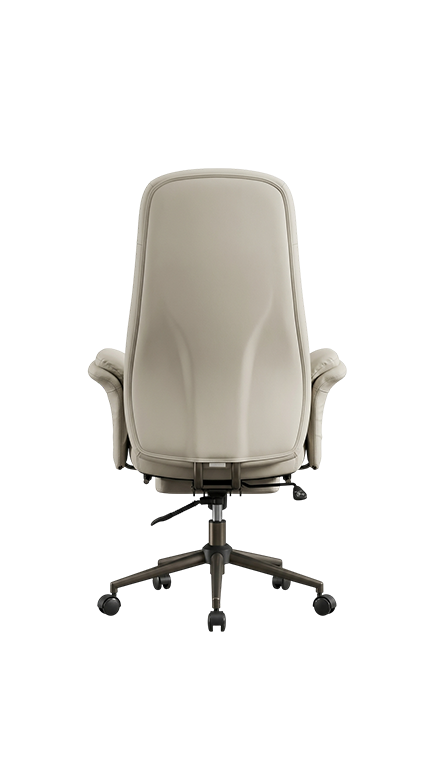
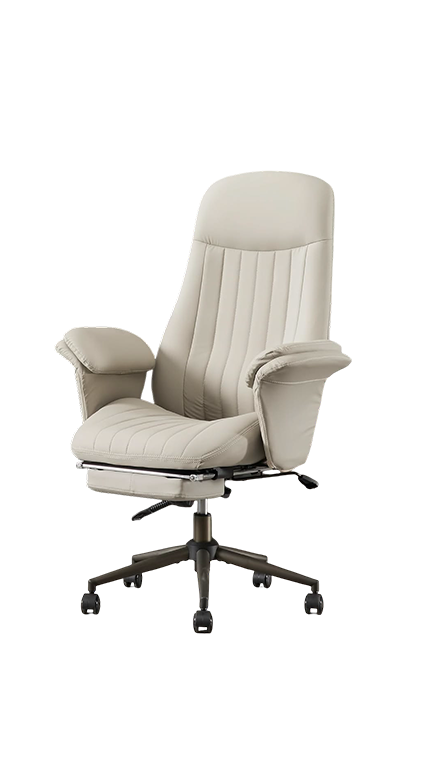
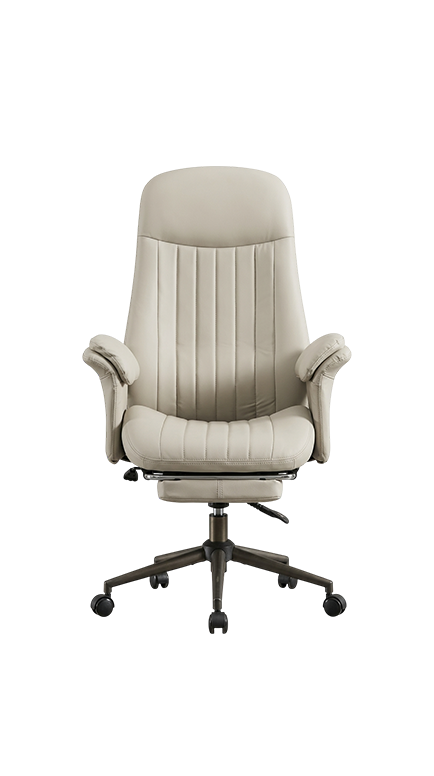
The Desk Sanctuary looks like a sharp, well-made office chair. That's the point. Behind the clean exterior sits a deep-tissue massage system that targets your upper back, mid-spine, and lumbar on demand. It runs on a built-in battery; no cords, no clutter, and the control panel sits quietly inside the armrest, out of sight. Ten minutes is all it takes to reset your body and get back to work feeling like yourself again.
| Massage system | Deep-Tissue Back Rollers |
| Intensity levels | 3 levels |
| Seat therapy | Vibration module |
| Power | Built-in lithium-ion battery |
| Control | Hidden armrest panel |
| Colors available | 4 professional colorways |
| Dimensions | 27" W x 24" D x 46" H |
| Max user weight | 265 LBS |
This chair is made for you if:
How do the hidden rollers work? A set of deep-tissue rollers sits inside the backrest, flush with the cushioning. When you activate a session, they move up and down your spine in a pattern that mimics the pressure and motion of a trained pair of hands. You feel it immediately; without anyone in the room knowing the chair is doing anything at all.

Pacivionex brings AI-driven massage technology into your Singapore home, making genuine rest and recovery accessible every single day.
© PACIVIONEX 2026 | All Rights Reserved
